
1. Log in with the credentials you received via mail
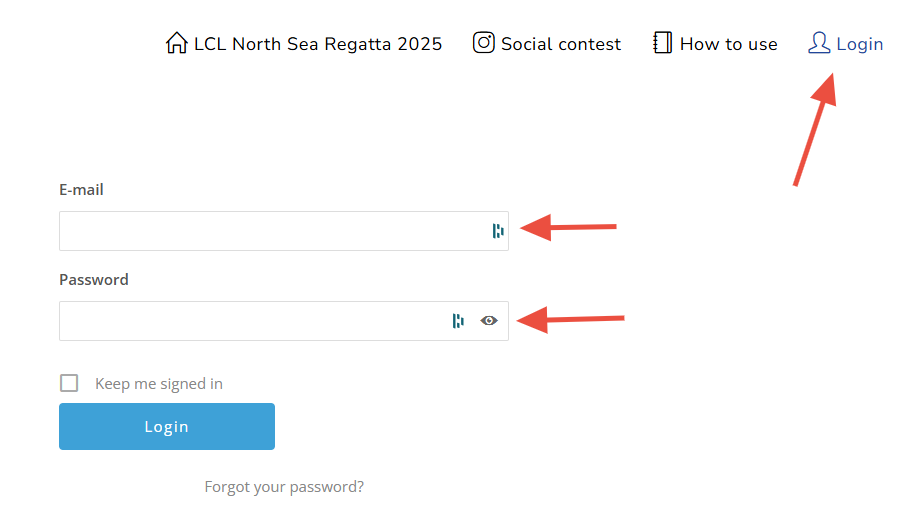
If you don’t find the email with the credentials, you can contact us so we can resend it. The password is automatically embedded in the mail.
If you have sponsored more than one yacht, you will have a separate login for every boat. The password is the same for every boat.
2. Go to 'My Regatta Hub'

This will appear in the navigation menu when you are logged in.
3. Check pre-filled data
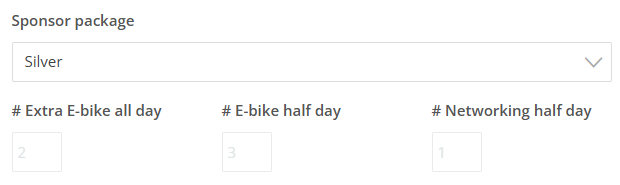
Your company name, name of the person managing the boat, sponsor package and number of extra persons for e-bike or networking are already automatically filled in. If you want to change the name of the person managing the boat, or if you want to add extras, please send an email to Fien at LCL.
On top of the page, you will also find your boat number, once it is known. It is possible that this might change later.
4. Upload your logo and banner
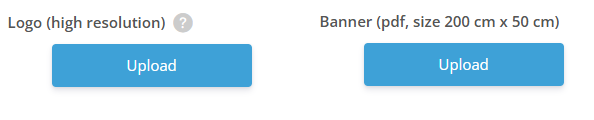
In this section, you can upload your high-resolution company logo and, optionally, a custom banner design. Both elements will be used to create the branding that appears on your boat during the event.
Your company logo will be used by default, but if you prefer a fully personalised look, you are welcome to provide your own banner design. This design should already include your preferred layout, colours and visuals. If no custom design is uploaded, we will simply use your logo to prepare the standard event banners.
Accepted file types:
- Logo: high resolution EPS, PSD, PNG or PDF
- Banner: PDF only (size 200 cm x 50 cm)
You can either drag and drop your file or select it from a folder on your computer. The banner field will appear only after you have uploaded your logo.
Deadline: 3 March 2026
5. Add crew member details
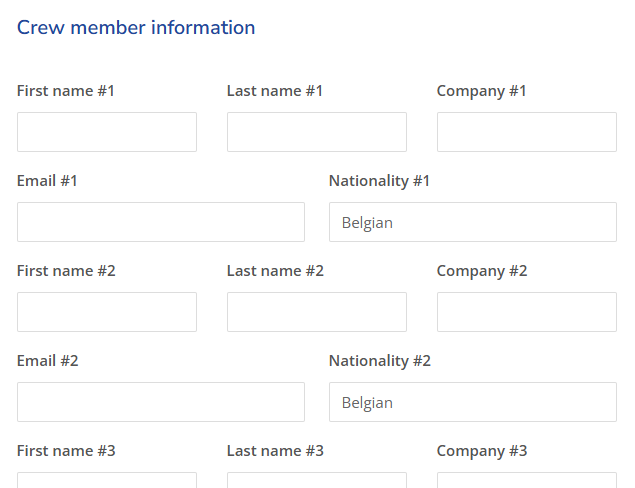
You will see name, company, email and nationality fields for every spot you have available on your boat. Please fill in this information correctly.
Name and company will appear on the badges, the email address (optional) is used to send information about the event to participants. If no email address is provided, you will need to take responsibility for ensuring your crew members receive all necessary information about the event.
The nationality field is for insurance purposes. It is pre-filled with ‘Belgian’. Please change if applicable.
Deadline crewlist: 5/5
If you have a Gold or Platinum package, and/or have ordered extra e-bike or networking spots, you will see extra sections where you can add details of those participants.
6. Don't forget to save your work
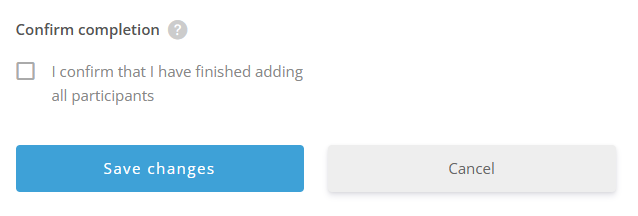
At the bottom of the page, you can save your changes. If you don’t do this, the information will not be submitted.
If everything is complete, you can also check the confirmation box. This way we know you have added everything and we don’t have to send you a reminder. You can also come back later to add more participants, or change participants (even after you have checked the confirmation completion box).
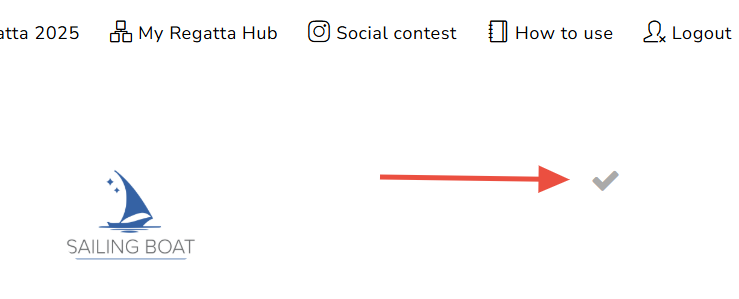
You can also save your changes at the top of the page, by clicking the checkmark.
You will also receive an email to confirm that the changes have been saved.
7. Review your changes
You will now see your updated Regatta Hub. If you want to make more changes, click ‘My Regatta Hub’ in the navigation again, or the gear icon on top of the page, and then ‘Edit profile’, to go back to edit mode.
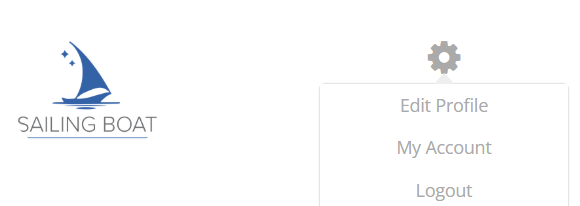
If you manage more than one boat, please click ‘Logout’ in the navigation, and then login again with the credentials of the other boat(s).
8. See all participants
From 5 May, you will be able to see all the names on the home page of this website, at the bottom of the page under ‘Meet the attendees’.